
Designing Ceramics with a Computer
Hello!
This post explores a new area I am investigating: making patterns in CAD (computer-aided design) software for ceramic work. I hope you enjoy it! :)
Introduction:
Wheel throwing calls for intuition, while slab-built pieces require planning. To assemble the desired three-dimensional form, you need to draw its constituent slabs. Depending on the complexity of the solid, this can require advanced knowledge of descriptive geometry.
However, if a potter has access to a computer and a basic knowledge of CAD software, the work becomes much easier: the faces of a three-dimensional model can be laid out on a plane. After creating the model in the software, all that remains is to print the faces, join them, and the piece is ready!
Let me give you an example:
Example – Hexagonal-Based Vase
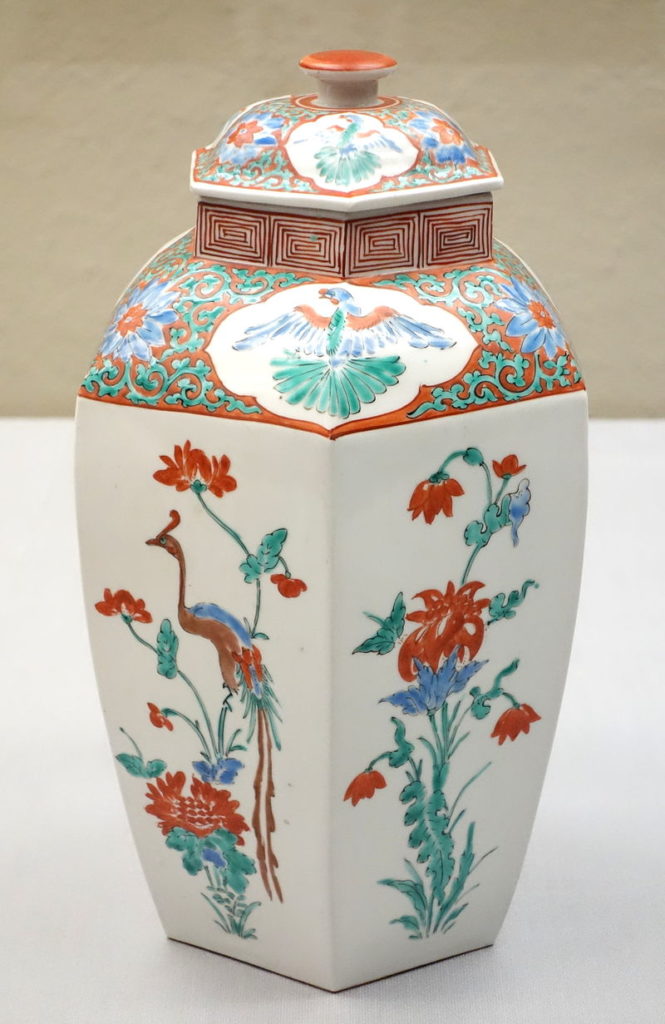
Hexagonal vase, Kakiemon. Edo period, Japan. Tokyo National Museum.
I have always admired classical Chinese and Japanese hexagonal vases. Knowing they could not be made on the wheel, I had kept my distance from them until now. But I decided to take on slab building and, after reading about it, downloaded Google’s free modelling software, SketchUp (you can download it here).
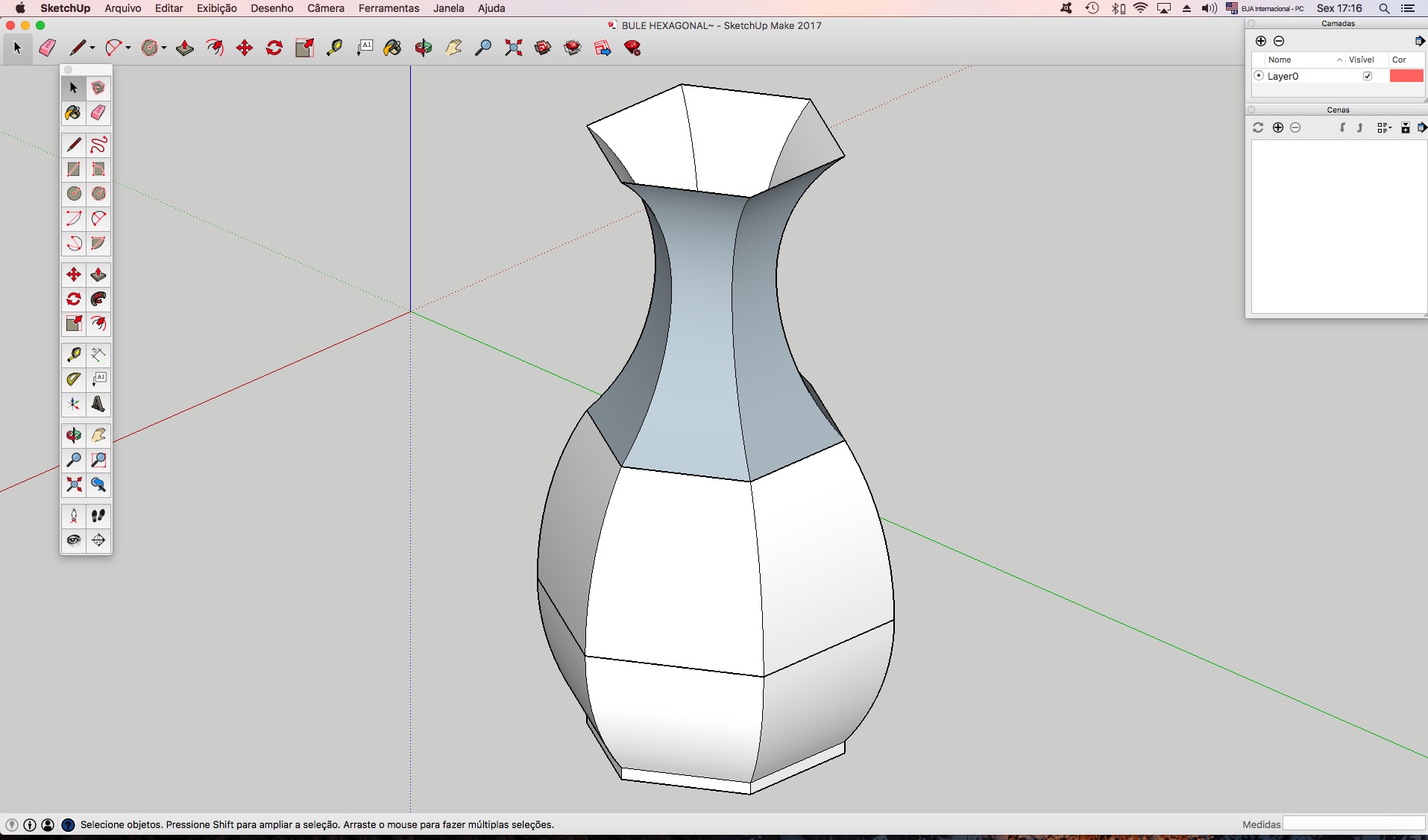
After installing the software, I created the base—a hexagon in this case—and raised the shape to the desired height. I drew a vertical profile and used the Follow Me tool to generate the volume of the piece. Here is the resulting model:
Now comes the important part: to lay this three-dimensional geometry out flat, an extension is needed to unfold the faces onto the base plane. I used the Unwrap extension, available from the Window > Extension Warehouse menu within SketchUp (read more about this extension here). Select the required faces, apply the command, and there you have it! With some editing to assemble the pattern, you get the following result:
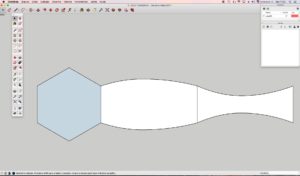
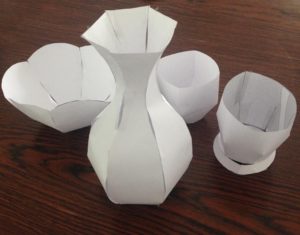
Print, cut out and assemble. The model is ready! I made a paper prototype, which looked like this:
Conclusion:
I still need to assemble a clay-slab model, but I think CAD software offers an inexpensive, efficient way to create three-dimensional models. The patterns can easily be scaled to any size and do not require a 3D printer. Complex forms such as spheres, geodesic structures and twisted rectangular prisms can be created in 3D; using an extension to unfold their faces makes ceramic forms possible with the maker’s imagination as the limit.
Until the next post! ;-)
About the Author: Gustavo Assis

Related Posts
Estou adorando cada post. Obrigada pela generosidade em compartilhar o conhecimento
Olá Sheila, muito obrigado pela leitura!
Acabei de ler seu artigo e achei o blog muito interessante, tem muita informação que eu estava procurando, parabéns.
Cine Vision V6 Abraços ;) !
Thank you very much for reading!
Estou me aventurando no mundo da Cerâmica há pouco mais de 2 meses e estou completamente apaixonada. Hoje me surgiu a ideia da modelagem 3D e encontrei o seu artigo demonstrando exatamente o que queria, pena que hoje o Sketchup é pago. Obrigada pelo excelente conteúdo!
Obrigado Júlia pela leitura!